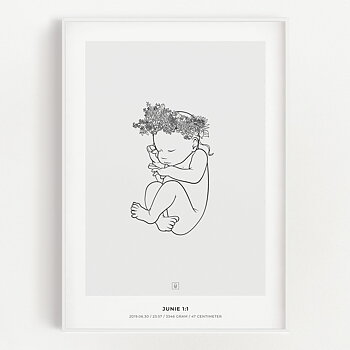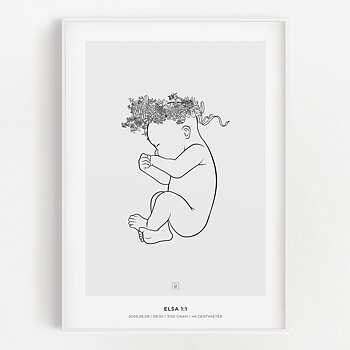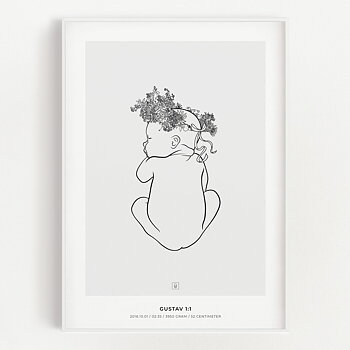
Guide: How to fill in the birth information
Filling in the birth information is super easy, but to make sure you feel completely confident that everything is correct, we have created this step-by-step guide.
Step 1
In the Language list, select the language you want the poster to be written in.
Step 2
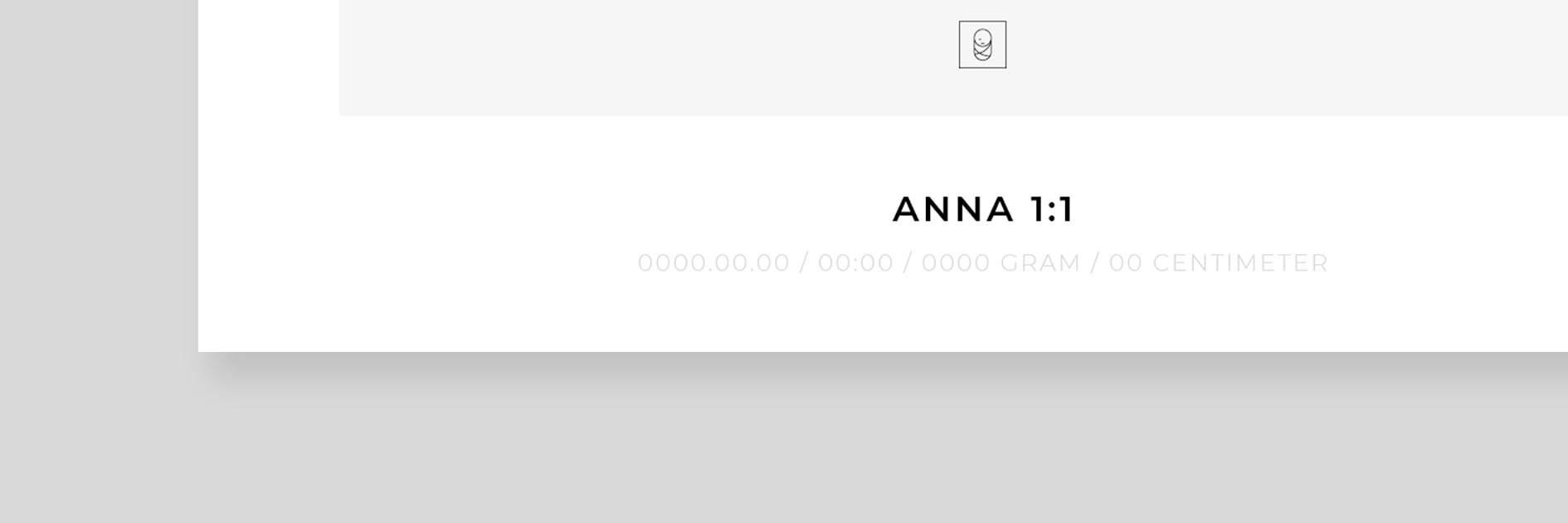
In the Name field, enter the name of the child. You can write with or without the last name. You choose. The 1:1 will be added by us.
Step 3
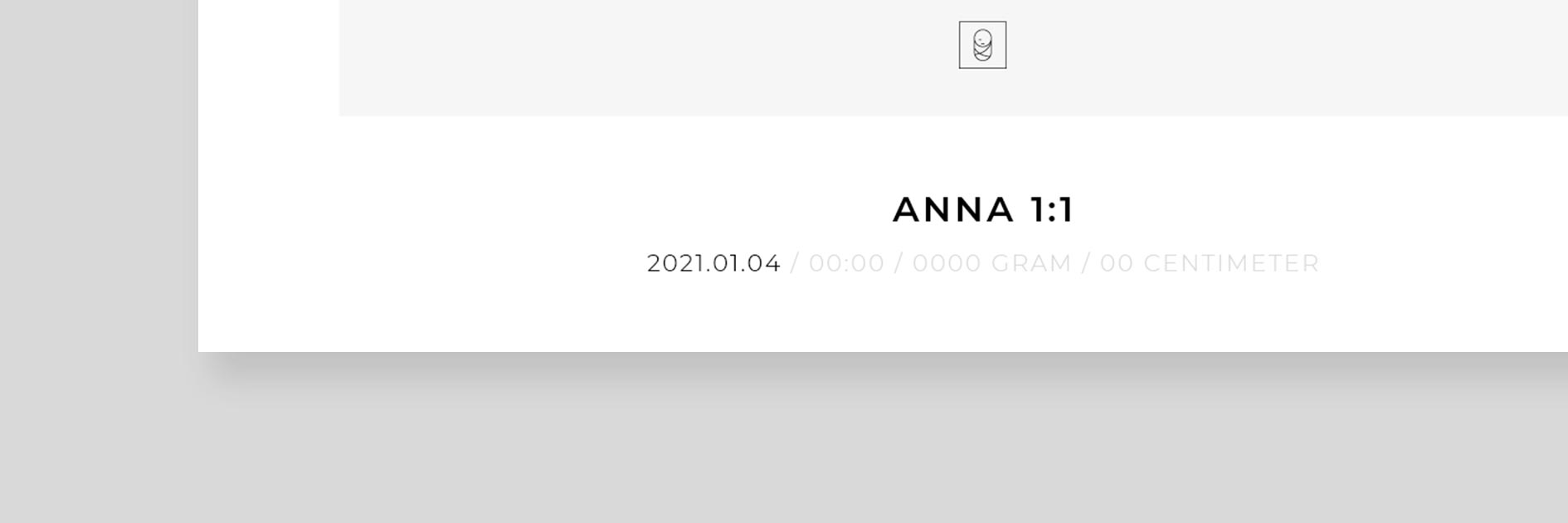
In the Date of birth field, enter the date when the child was born. We recommend YYYY.MM.DD, but you can choose which format you want.
Step 4
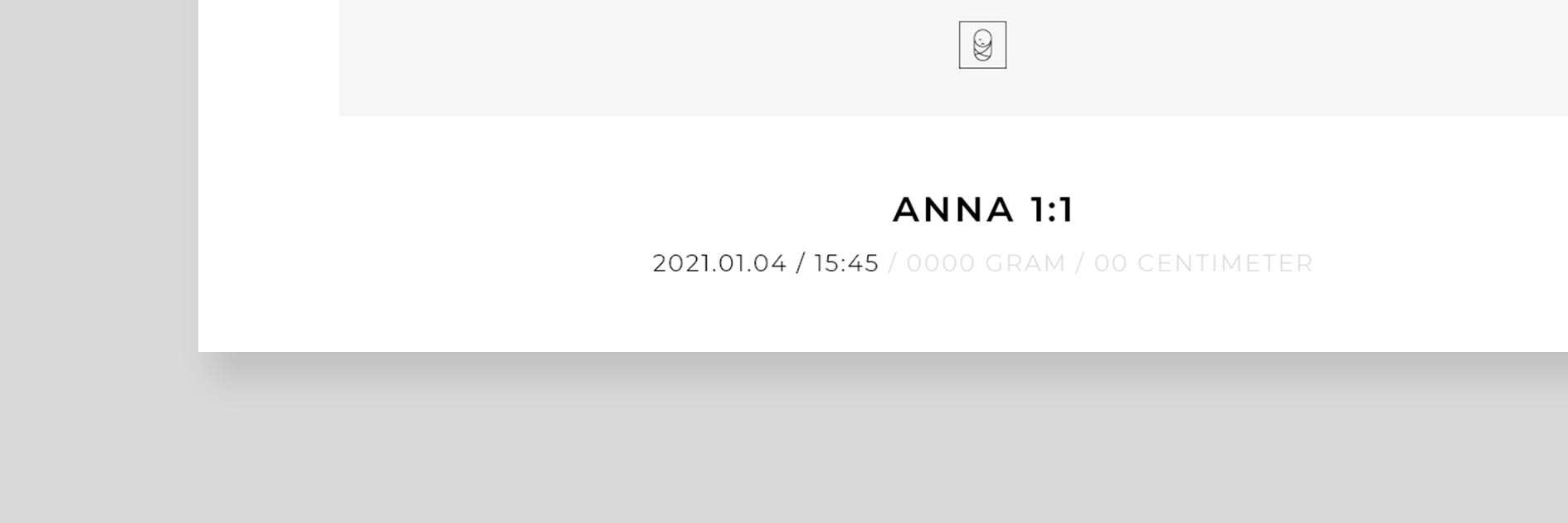
In the Time of birth field, enter the time when the child was born. We recommend the 24-hour clock (00:00), but you can choose which clock format that suits you.
Step 5
In the Measurement unit list, select the metric or imperial option. Refer to your national standard.
Step 6
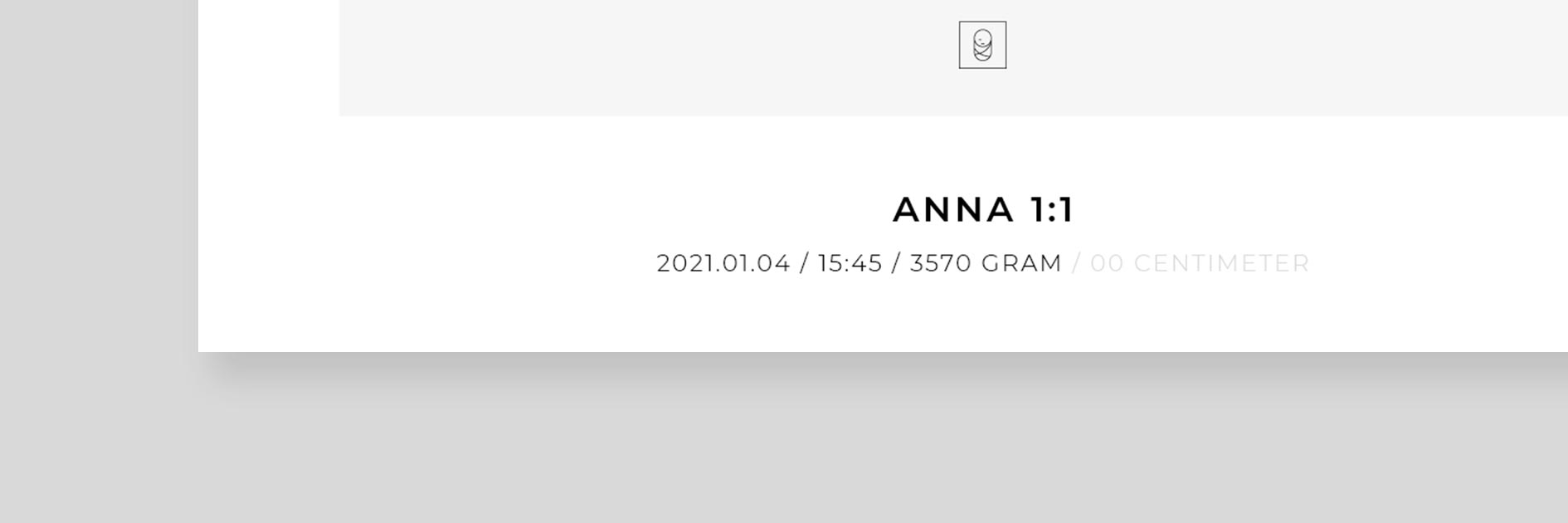
In the Weight field, enter the weight at birth. If you selected metric as the measurement unit in the previous step, write in grams. If you selected imperial as the measurement unit in the previous step, write in pounds and ounces.
Step 7
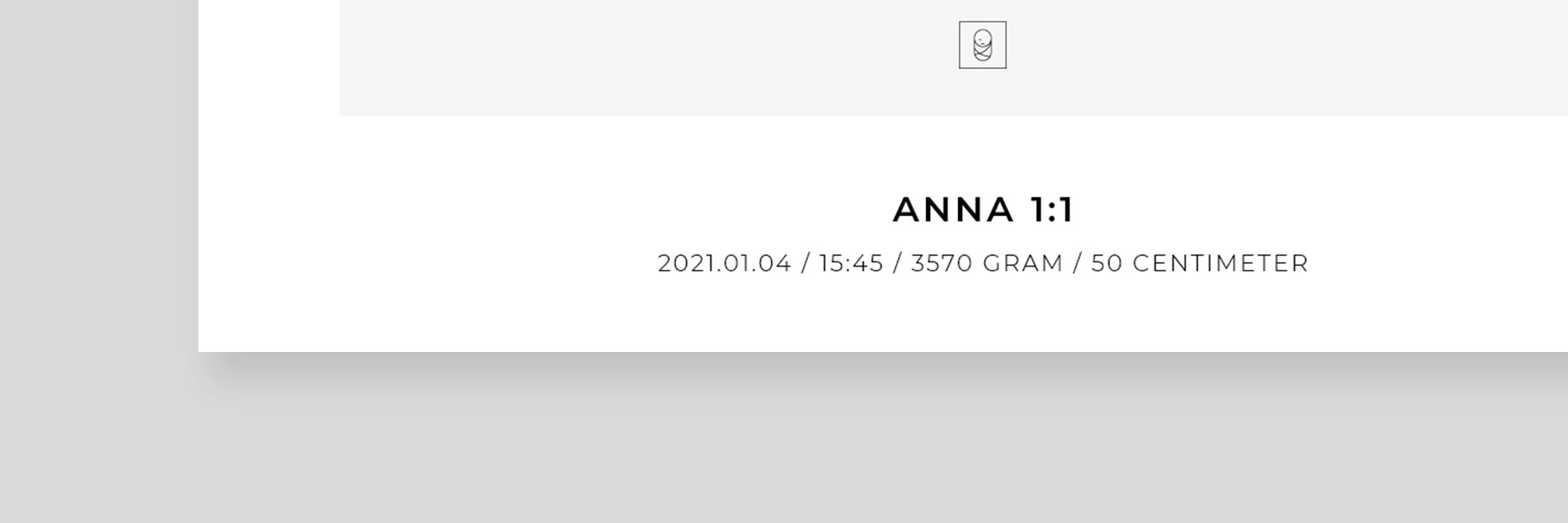
In the Length field, enter the length at birth. If you selected metric as the measurement unit in the previous step, write in centimeters. If you selected imperial as the measurement unit in the previous step, write in inches.
Step 8
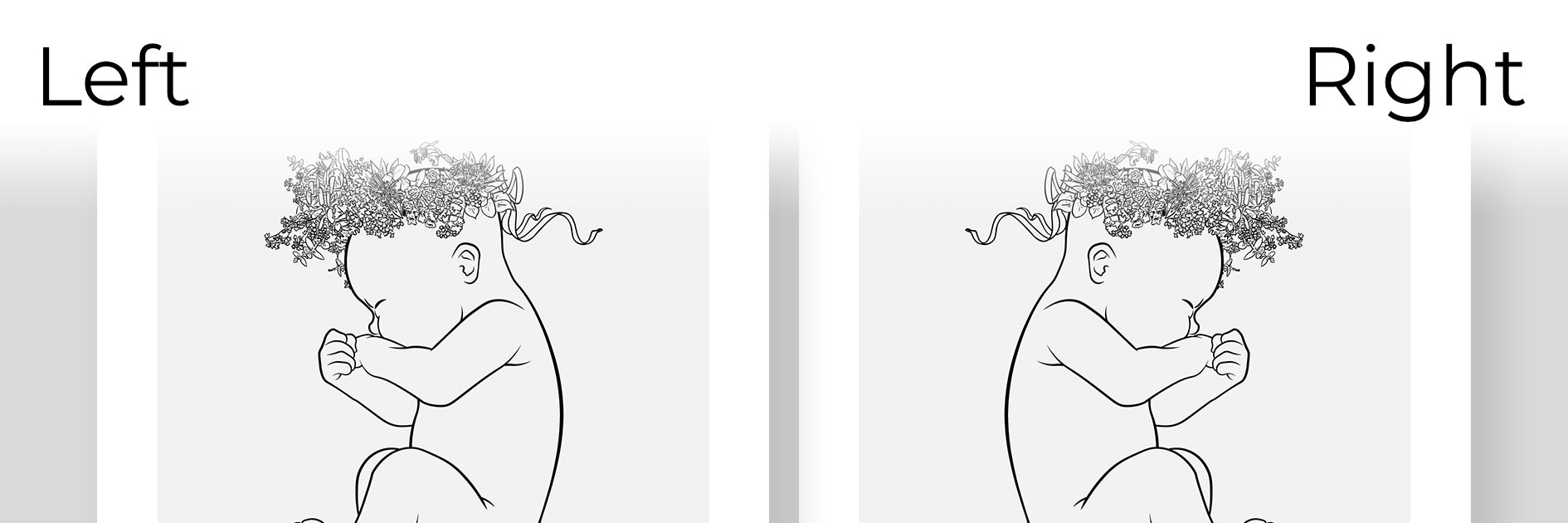
In the Child facing list, select which way you want the child to face from your point of view.
Step 9
Make sure that everything is correct.
Step 10
In the Is the birth information correct? list, select Yes, it’s correct.
Step 11
Tap or click on the BUY button to add your poster to your cart.
Popular birth posters